
Integrate everything. From everywhere.
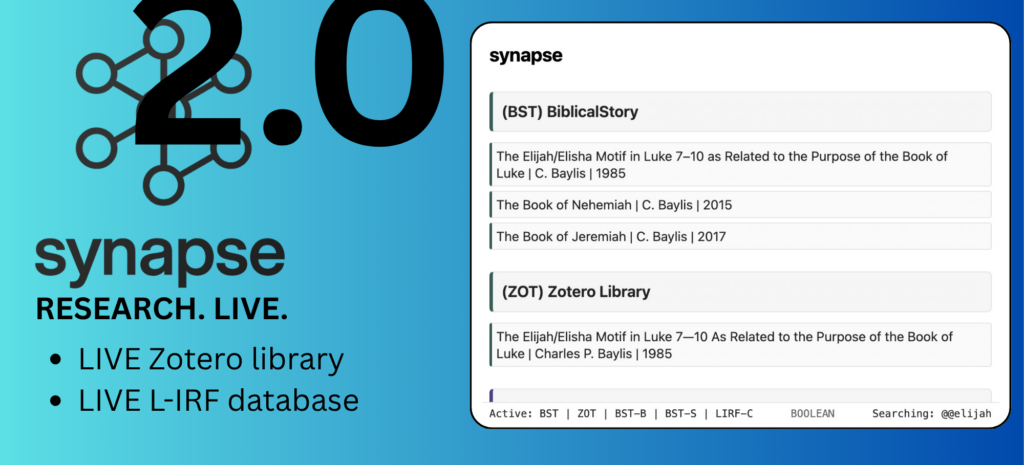
Pull the latest metadata and resources from the latest developments — real time from anywhere in the universe — small detail though — you have to have an internet connection. Starlink anyone? We’re so thrilled that synapse pulls data realtime from BiblicalStory and any other organization that publishes S-RTP (synapse JSON protocol). And we’ve made that easy too using synapseconvert. The sky is now the limit — where will your research take you? All aboard…
All the colors of the research.
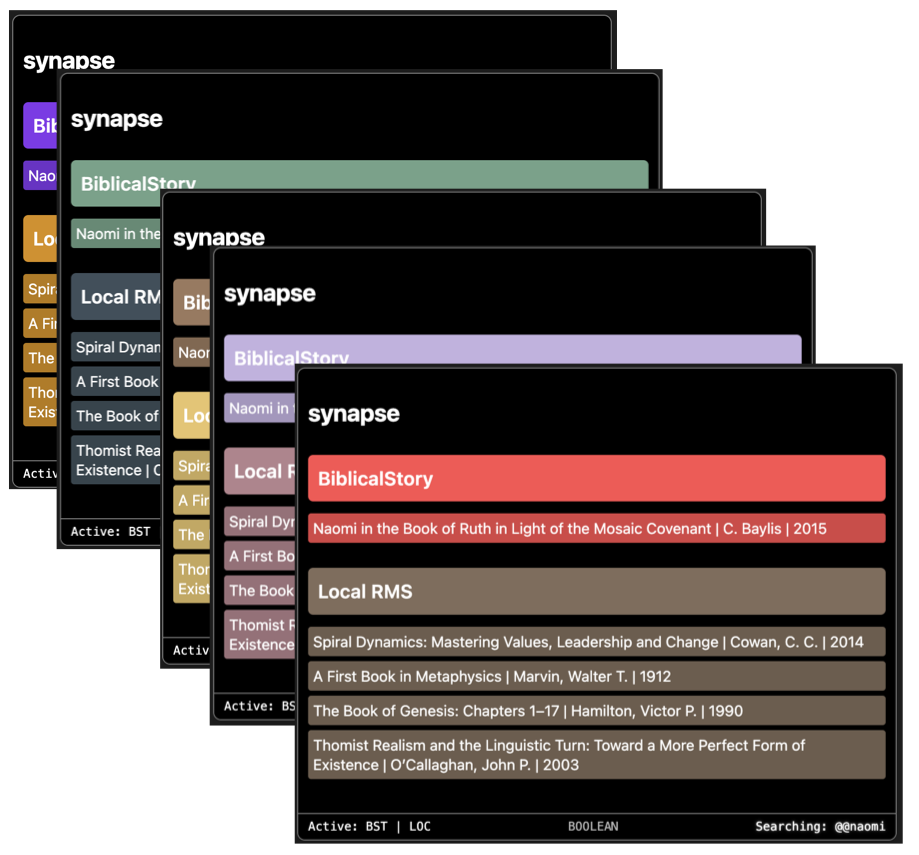
Why should research be boring? You never know what you’re going to find when you sit down to research, and you never know what you’re going to see when you open synapse. Synapse is as big as your thoughts, your community, and your wildest dreams.
Access the universe. Map your discoveries.
There’s a conspiracy. Keep your feet on the ground and your shoes tied together. If you do find something, don’t dare connect it — stay in your lane — you might discover something…dangerous. No longer — synapse and substrate give you the ability within your discipline to make connections, retain them, and see how they fit into the greater symphony of creation and the new creation to come.
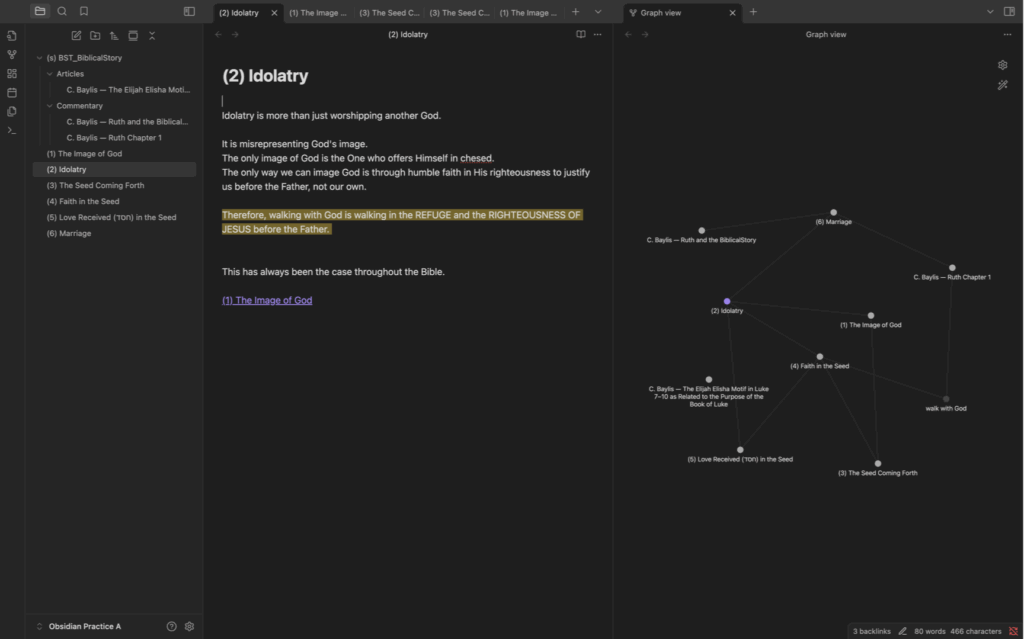
Visualize deep connections with Obsidian integration.
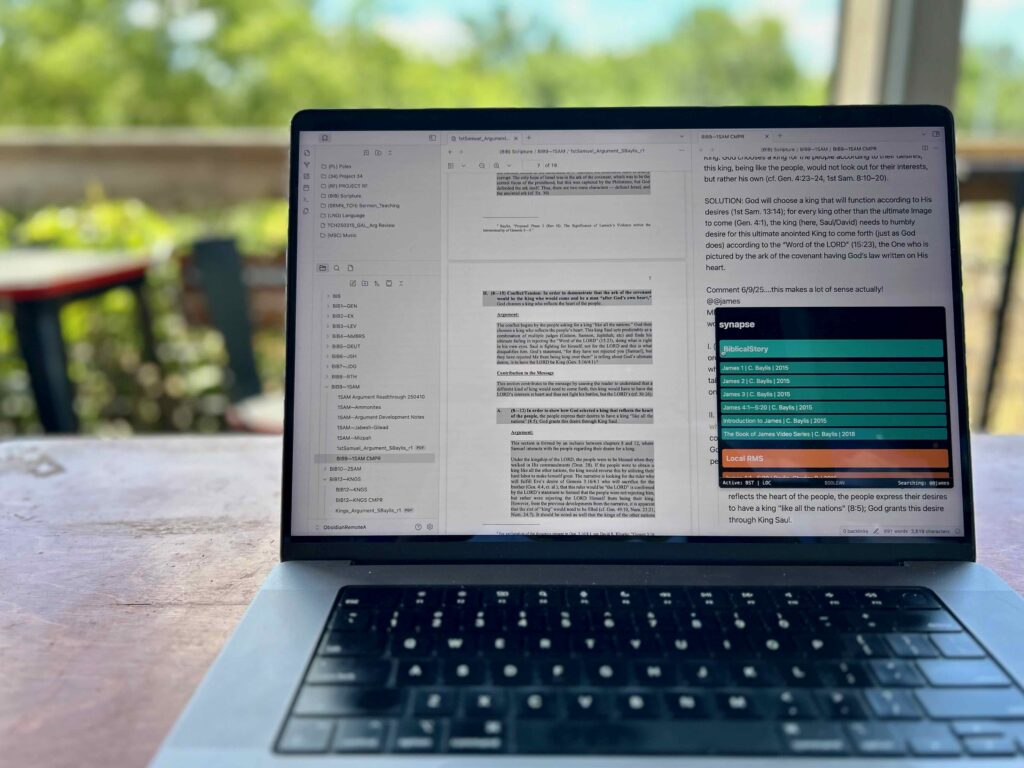
We anchored substrate and synapse inside a tool we didn’t build — and that’s exactly the point. We want to build an exothermic system that can integrate with the best tools available on the cutting edge — we’re building tools that link into what’s already working — tools you can remix, extend, and make your own. Obsidian’s local-first, open-plugin architecture makes that vision possible.
This is what happens when you combine plain text with powerful design. And it’s just the beginning.
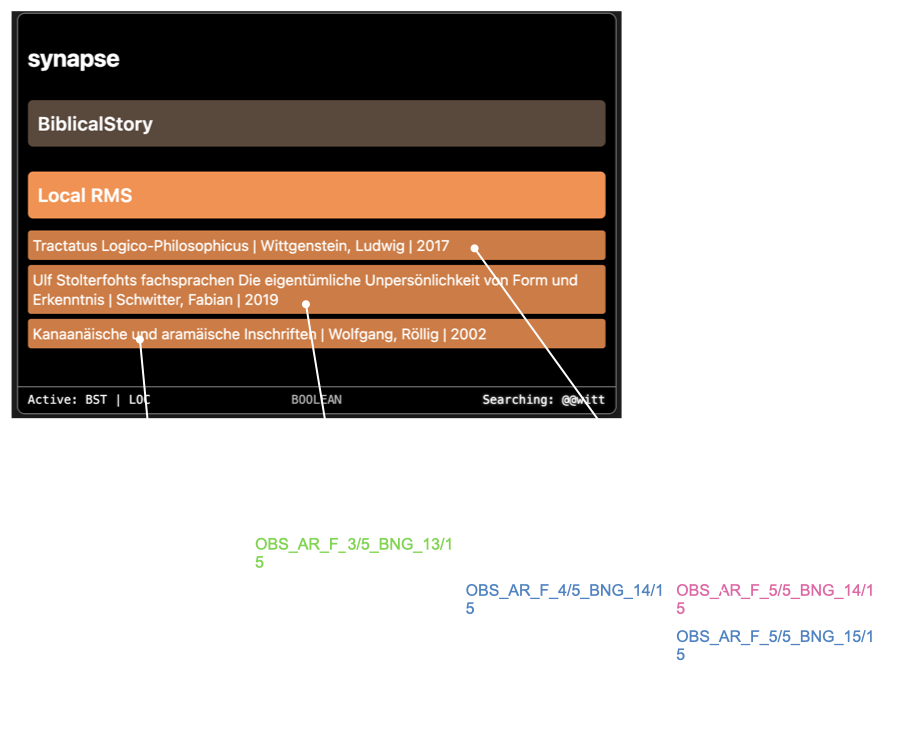
Integrate your existing physical and electronic local libraries.
Accessing remote libraries is new, but your own local collection is not — all those aged beautiful books can be linked into your research through synapse + Zotero API in real time! If the Zotero API is not available to you, synapse accepts RIS exports from Endnote and Zotero and any library that can export .ris files. Add the .ris library in synapse settings within Obsidian. You can also generate your own synapse JSON files that others can access remotely using “synapseconvert,” a command line tool available in the BST Developer section of substrate.biblicalstory.org.

Downloading and Installation
Download Obsidian
- Click the button below to visit Obsidian’s website.
- Download Obsidian
- Create a New Vault and take note of the vault’s location on your drive
- Spend a little time learning how Obsidian links notes together and visualizes them in the graph view.
Download synapse 2.0
- Click the button below to download the synapse .zip package.
- Navigate to your Obsidian vault (in your file explorer/finder on your computer, not inside Obsidian).
- Press CMD->shift-> . (period) to reveal hidden files (“CTRL H” for PC users), then open the folder named “.obsidian”.
- Inside “.obsidian”, open the “plugins” folder.
- Unzip the synapse .zip file into that folder.
- Go to settings in Obsidian -> plugins, and activate “community plugins” (note: you may have to turn off community plugins and turn them back on to refresh).
- Find synapse in the list below and activate it.
Use Obsidian + synapse + Zotero
- The best way to learn Obsidian? Open a note and start typing.
- Type @@@ (formerly @@ in a 1.0 version) inside a note — this opens the synapse search window (note: requires internet connection if remote libraries are activated).
- Note: synapse comes wired “out of the box” to access BiblicalStory’s library remotely.
- Type keywords to search.
- Right Click a result -> opens the source (if available)
- Left Click a result -> creates a new note with embedded metadata
- This new note becomes a node in your Obsidian knowledge graph.
- Want to access your own local bibliography library?
- Connect Zotero API for live access (through your Zotero account). You will create a key in your Zotero account and enter this key into synapse settings. Otherwise for non-live access:
- Export your Zotero or Endnote library as a .ris file.
- Drag it into synapse settings (in Obsidian).